


Most of what keeps a community comfortable happens in small moments: a detail you decide not to share, a message you report, a conversation you close. None of those moments needs a special skill, and all of them are open to every member.
The backdrop is a busy one. In a Pew Research Center report, 73% of U.S. adults reported experiencing some form of online scam or attack. The report covers the Internet broadly, not any one platform, but it explains why we put effort into moderation tools on Fanfills and why we ask members to bring a few habits of their own. This guide covers five of them, plus a table that matches each situation to the right tool.
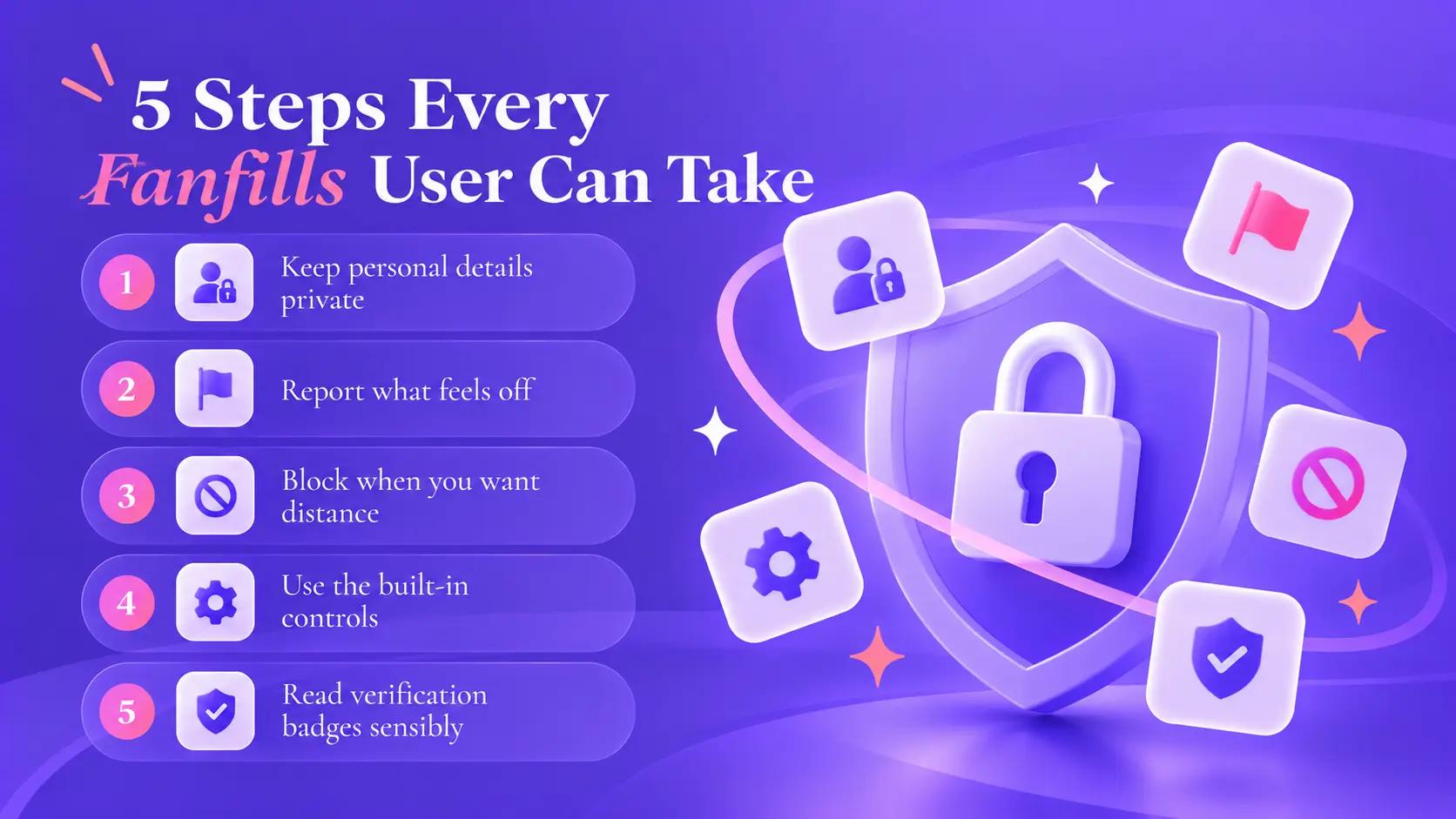
Step 1: Keep Personal Details Private on Fanfills
Keep your phone number, home address, workplace, and last name out of your Fanfills profile and your early messages. That goes for people who sound friendly, too. Automated tools on Fanfills help identify possible harm in conversations, including the sharing of personal information, but they can’t make the choice for you. Once a detail is out there, no setting takes it back.
Plenty of things are fine to share, like a hobby or a favorite film. Where you live and where you work can wait until you’ve talked for a while and the conversation has earned some trust. If a message asks for any of these in the first few replies, slow down and keep the conversation where it is. And when someone keeps pushing for details, or wants to move to another app right away, the pushing tells you something.
Step 2: Report What Feels Off on Fanfills
Reporting is built in, so there’s no special form to track down. You can report a user’s profile, a profile photo, a photo sent in chat or mail, a post in the newsfeed, or a message in a private conversation. Each option sits right where the content is: on a profile page, inside a conversation, or on the post itself.
There are two kinds of reports. Report content flags one thing, such as a message or a photo. A profile report flags the account as a whole, for concerns like suspected impersonation or an underage user. The two go to separate review queues, so each kind of concern gets the right kind of attention.
After you submit one, our Safety Specialists begin reviewing the case. If a violation is confirmed, action follows under the Terms of Service. You get an email once it's resolved, and a confirmation appears under the content you flagged. The person you reported isn't told who sent it.
You don't need proof, and you don't need to be certain. If something feels wrong, that is reason enough. A report starts a review, though, and a review takes the time it takes. If you're unsure whether something qualifies, report it anyway, since sorting that out is the team's job and not yours.
Step 3: Block When You Want Distance on Fanfills
On Fanfills, blocking sits next to reporting and works on its own. You can block from a profile page or from inside a conversation, at any moment, and you don't have to report anyone first. Doing both is fine, too.
Use it when a conversation isn't working for you, whether or not anything rule-breaking happened. Blocking isn't a verdict on the person. It's a way to set your own boundaries on Fanfills, and you don't owe anyone an explanation.
Step 4: Use the Controls Built Into Fanfills
A handful of Fanfills settings give you a say in your own experience:
-
In chats and mail, a blur toggle lets sensitive incoming content show by default or stay blurred until you choose to look
-
General email alerts can be switched off, while security-related emails keep arriving
-
Every photo uploaded publicly goes through an automated AI review before it appears, and if you think a removal is a mistake, you can submit an appeal through your account settings
-
Deactivation hides your profile and pauses emails, and you can reactivate whenever you like. Permanent deletion is a separate step that asks for a final confirmation
Step 5: Read Verification Badges Sensibly on Fanfills
Fanfills website offers voluntary identity verification through a recognized third-party provider, and members who complete it receive a verification badge on their profile. A badge shows that a check was completed. Everything else about the person, including tone and intent, is still yours to judge. Many Fanfills members can be verified, and plenty haven't been, so a missing badge isn't a warning sign by itself.
Age verification is separate. When our systems detect signals that a member may be under 18, age verification is triggered, and that member must complete it to continue using Fanfills.
Which Tool for Which Situation on Fanfills
The table matches common situations on Fanfills to the tool that fits:
|
Situation |
Tool |
What it does |
|
A message, photo, or post breaks the rules |
Report content |
Flags that one item for review |
|
A profile as a whole looks wrong |
Profile report |
Flags the account, in a separate review queue |
|
You don't want further contact with someone |
Block |
Works from a profile or a conversation, with or without a report |
|
Sensitive photos or text arrive in chat or mail |
Blur toggle |
Keeps sensitive incoming content blurred until you choose to look |
|
Too many general emails |
Notification settings |
Switches general emails off, while security emails keep arriving |
|
You want a break |
Deactivation |
Hides your profile and pauses emails until you reactivate |
One note on the table: reporting and blocking work independently on Fanfills, so you can pair them or use either one alone.
The Five Steps in One Moment on Fanfills
Take an ordinary day on Fanfills. Someone's first reply asks for your phone number, so you keep it to yourself. The same request turns up again, and that's when blocking makes sense. Reporting is up to you. If you do, the conversation goes to our Safety Specialists, and it might spare the next person who would have received those messages.
Or say a photo arrives in a Fanfills chat and the automated review has blurred it as sensitive. You look when you decide to, not before. Either way, you can report the photo or block the sender.
A Short Self-Check Before You Reply
When a message on Fanfills gives you pause, run through these:
-
Does it ask for personal details or contact information?
-
Is someone rushing you, or steering you somewhere else?
-
Did the tone change part way through, from friendly to demanding?
None of the three is proof of anything on its own, but together they add up. Any yes is a reason to slow down. Still a yes after a pause? Use the tools above.
Where Moderation Stops, and Habits Start on Fanfills
A plain admission: automated review on Fanfills is good at what it can see. Images and clear violations are its strengths. Behavior that depends on context, like someone pretending to be another person, is harder to spot, which is why reports from members matter so much. A report on Fanfills gives our Safety Specialists information that automated tools may miss.
Small habits support all five steps:
-
Reread a message before replying when something feels off
-
Take a pause from a conversation that feels heavy
-
Come back to the tools above when you're unsure which one fits
Five steps, and the first one needs no tools at all.
If you'd like to keep up with what we're doing, you can follow Fanfills on Facebook. Members and anyone still deciding are both welcome to look around.